Open Options, use the Keybindings and Controls areas, select the relevant role or vehicle group, apply the change and retest it in the tutorial or practice context before joining a live crew.
Reviewed Aug 24, 2026 · Current evidence separated from version-sensitive values
QUICK ANSWER
Open Options, use the Keybindings and Controls areas, select the relevant role or vehicle group, apply the change and retest it in the tutorial or practice context before joining a live crew.
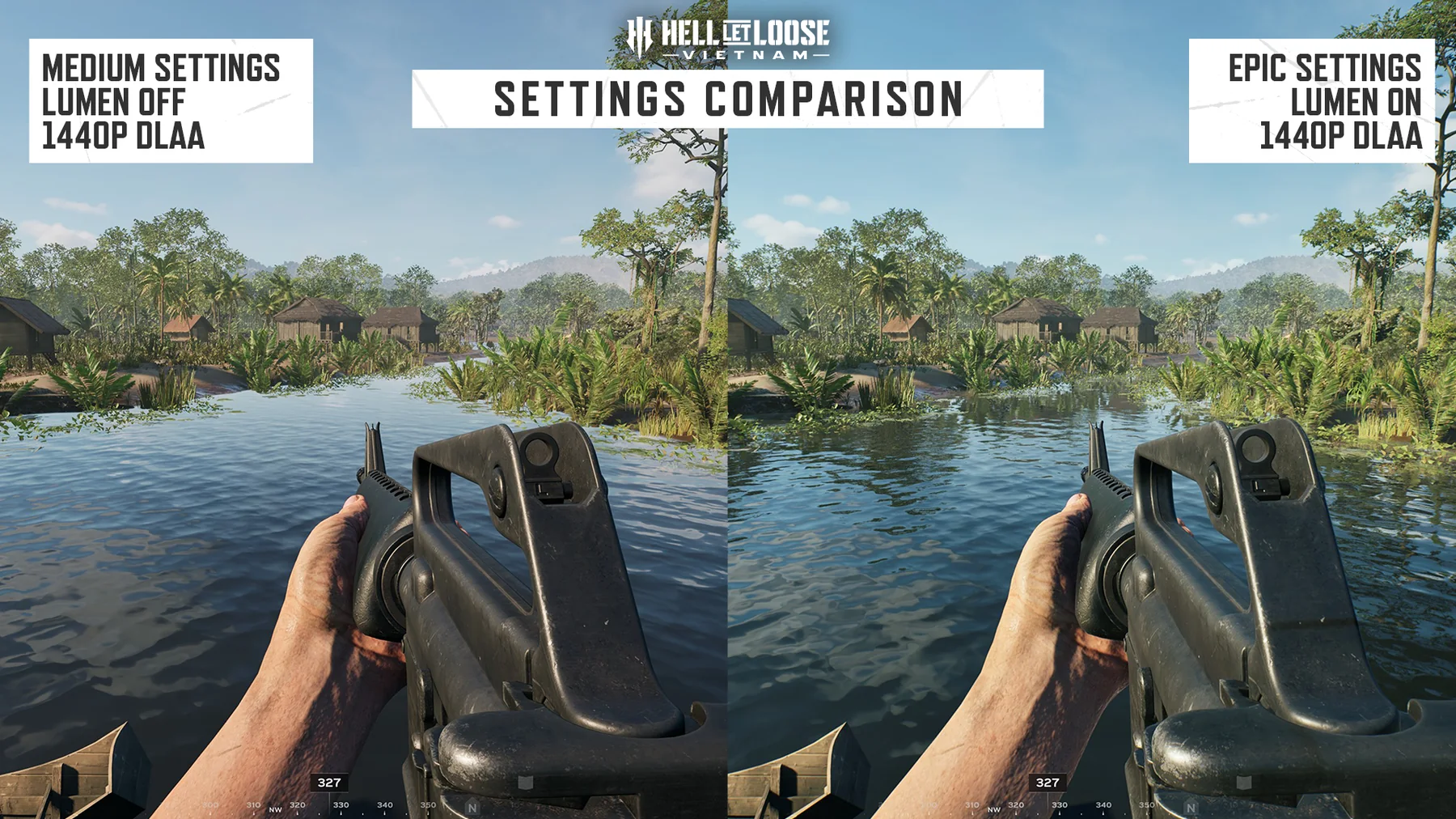
Visual context for this guide; use the dated sources below for exact claims.
FIELD BRIEFING
What to verify before acting
CONTROL GROUPS
Change the context you actually use
Current PC walkthroughs separate common, infantry and vehicle-specific bindings. A key that works on foot does not prove the same input is available in a Pilot or Gunner seat.
Common and infantry actions
Driver and gunner actions
Pilot axes and mission actions
Voice, Tactical Map and interface actions
PATCH STATUS
Retest old binding problems after Patch 1.2
The official changelog addresses settings that did not save, duplicate-key warnings, Tactical Map bindings and several vehicle-control issues. Reproduce the symptom on the current build before using an older workaround.
Apply settings and close the menu
Reopen the same control group
Respawn or enter the relevant seat
Capture the displayed conflict if it still fails
PROCEDURE
Follow these steps
01
Open Options from the main menu or a safe tutorial context.
02
Open Keybindings for action assignments and Controls for sensitivity, toggles and controller presets.
03
Choose the correct common, infantry, driver, gunner or pilot group before changing an input.
04
Clear or move any duplicate assignment shown by the current interface instead of assuming the new key automatically replaces the old one.
05
Apply settings, close the menu, reopen it and confirm the displayed assignment remained.
06
Test the action in the matching tutorial or seat; use the current on-screen prompt as the authority after patches.
COMMON PITFALLS
Avoid these mistakes
Copying Open Beta bindings into Patch 1.2.
Changing infantry controls while troubleshooting a Pilot action.
Publishing one console preset as a universal PS5 and Xbox layout.
Treating a duplicate-key warning as proof that the action itself is broken.
QUICK ANSWERS
Keybinds & Controls questions
Where do I change keybinds?
Open Options, then use Keybindings for action assignments and Controls for sensitivity, toggles or controller presets. Menu wording can change, so follow the current build.
Why did a remap not work in a vehicle?
Vehicle actions are grouped separately. Verify the Driver, Gunner or Pilot group and test from the matching seat.
Did Patch 1.2 fix every keybind issue?
No universal claim is made. It fixed multiple named settings and binding problems; reproduce any remaining issue on the current build.
Are controller layouts identical on PS5 and Xbox?
Do not assume so. Select the intended preset and verify the on-screen diagram on the device you use.
SOURCES & EVIDENCE BOUNDARY
What this guide can verify
These high-intent guides use current first-party product facts first, then dated technical or editorial evidence where the publisher does not publish a complete workflow. Exact bindings, costs, cooldowns, performance values and server-provider behavior remain scoped to the cited build or source.