Create an anchor
Make sure the team has a useful Garrison or existing tunnel endpoint. A disconnected hatch does not replace team-wide spawn infrastructure.
 Hell Let Loose: VietnamUnofficial News & Community Hub
NVA ASYMMETRIC MOVEMENT
Treat a tunnel as a travel link, not a replacement for the team's spawn network: establish a useful anchor, place a concealed destination and connect the two from the tactical map.
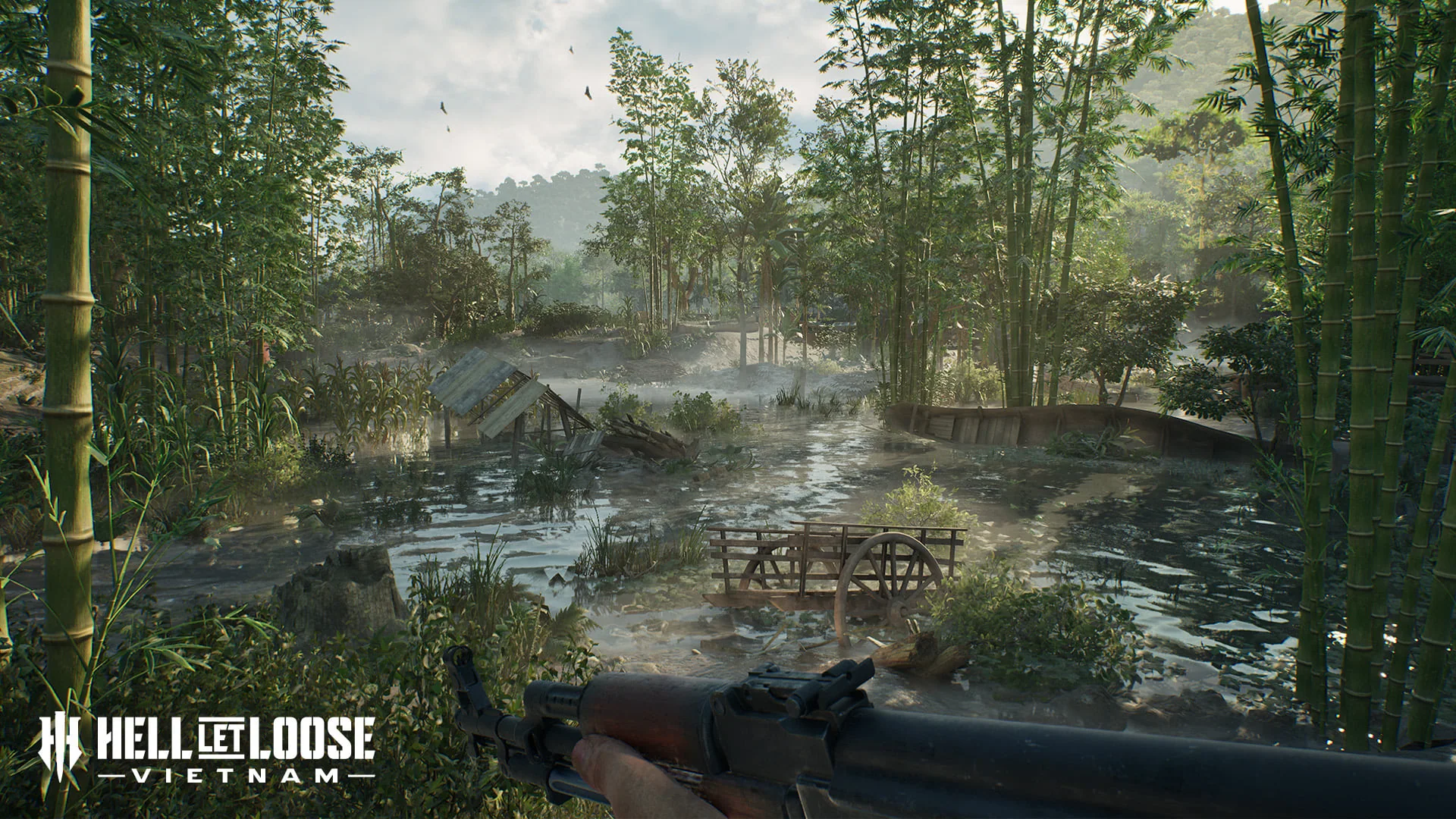
WHAT A TUNNEL DOES
Official material establishes extensive NVA tunnel networks as the faction's answer to US air mobility. Post-launch coverage describes entering an attached network, choosing an exit and travelling through a first-person transition to the destination.
WHAT IT DOES NOT DO
Do not abandon Garrison and Outpost work because a tunnel can be placed. The network needs a useful entry, a useful exit and players who know the connection exists.
Compare every spawn and movement optionBUILD & CONNECT
Make sure the team has a useful Garrison or existing tunnel endpoint. A disconnected hatch does not replace team-wide spawn infrastructure.
Move to concealed terrain that shortens a real route to the active objective. Avoid obvious roads, open ground and positions the team will abandon immediately.
Select the tunnel build option and confirm the placement completes before opening the tactical map.
Select one endpoint and then the intended Garrison or tunnel. Watch for the current build's connection highlight; if nothing changes, reverse the selection order once.
Enter from the anchor, select the destination and confirm the exit is usable before telling the wider team to depend on it.
Remove stale links, protect useful hatches and reconnect the route when the active objective or Garrison network changes.
GOOD DESTINATION
BAD DESTINATION
TROUBLESHOOTING
The tutorial and community reports note that the intended endpoint can be easy to miss. Confirm the build completed before placing another.
Use the tactical map rather than interacting inside the Garrison. If the connection highlight does not appear, clear the selection and try the opposite endpoint first.
Let the spoken instruction finish. Disconnect and reconnect the required tutorial endpoints instead of creating unrelated structures.
Travel through once. If the exit is exposed, obsolete or cannot support the objective, remove or replace the link.
QUICK ANSWERS
A tunnel is best understood as a connected travel route rather than a standalone replacement for a garrison. Post-launch descriptions show players entering an attached point, selecting an exit and travelling to the connected destination.
Place the tunnel, open the tactical map, select one network endpoint and then the garrison or tunnel you want to attach. Community tutorial reports differ on click order, so follow the connection highlight shown by the current build rather than repeatedly placing new structures.
Zoom out on the tactical map, confirm the tunnel was successfully placed and look for its network icon. If the tutorial does not advance, wait for the spoken instruction, disconnect and reconnect the intended endpoints, and avoid placing a second tunnel before confirming the first one.
A post-launch review describes four connected tunnels at one time, but network limits are balance-sensitive. This guide treats that as an observed launch value and recommends checking the current tactical-map UI after patches.
SOURCES & EVIDENCE BOUNDARY
These guides separate first-party release facts, dated catalogues and observed gameplay behavior. Version-sensitive values or features remain unstated when the current sources do not verify them.