What are the best controller settings for PS5, Xbox and PC controller?
Use the dated values below as a starting profile, not a universal best or an official preset. Run the 10-minute calibration on your own PS5, Xbox or PC controller, change one input at a time, then save and retest on the current build.
Reviewed Aug 24, 2026 · Current evidence separated from version-sensitive values
QUICK ANSWER
Use the dated values below as a starting profile, not a universal best or an official preset. Run the 10-minute calibration on your own PS5, Xbox or PC controller, change one input at a time, then save and retest on the current build.
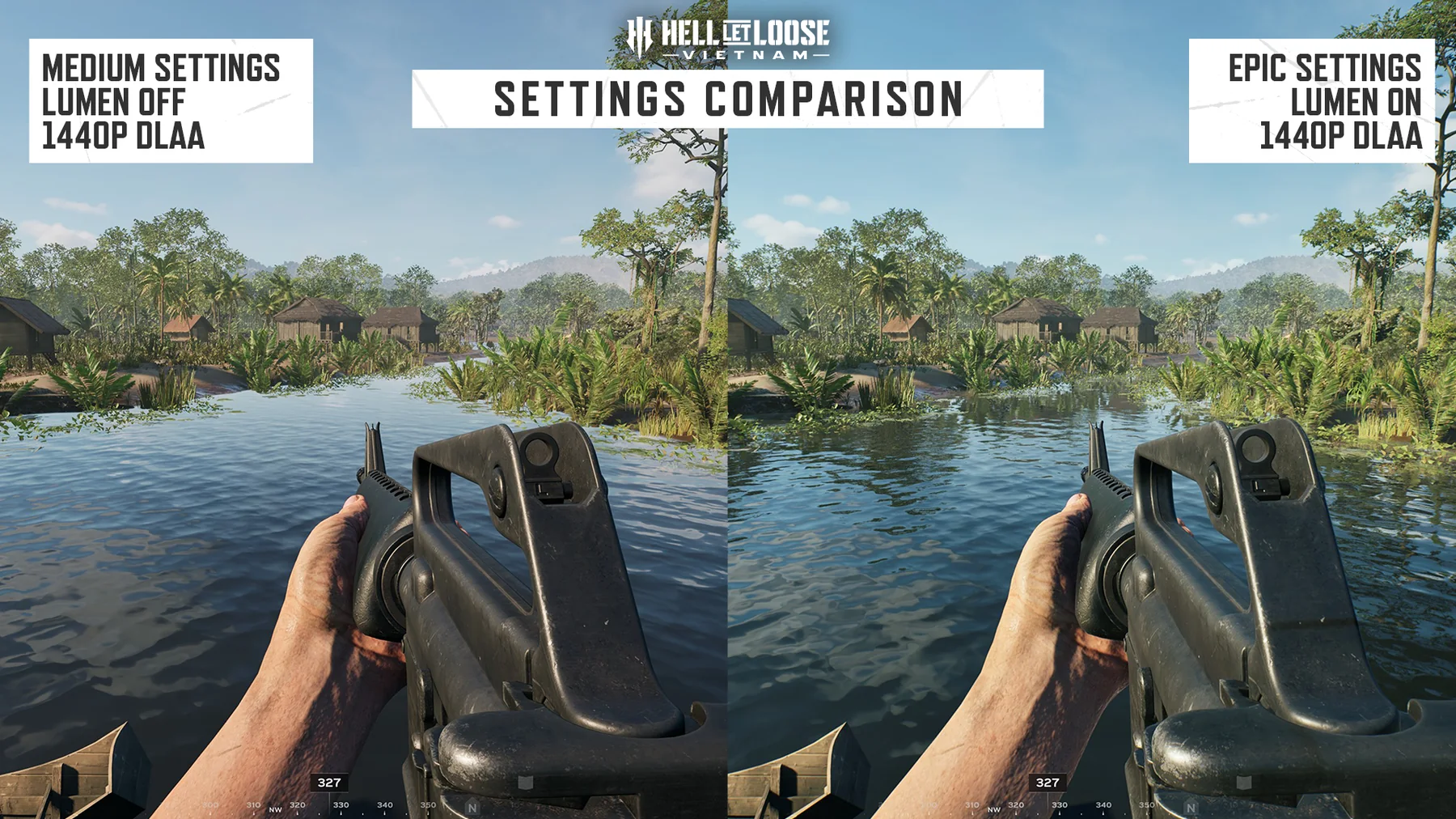
Official PC graphics comparison from the current game. It confirms the visual build context, not controller values or a controller menu; use the dated calibration evidence below for exact settings.
FIELD BRIEFING
What to verify before acting
DATED STARTING PROFILE
Copy once, then calibrate instead of declaring a meta
Dexerto's 2026 guide supplies this editorial snapshot. It is a starting profile, not a universal best and not an official recommendation; controller wear, display latency, platform and aiming habits change the result.
Layout snapshot: Infantry B; Vehicle, Vehicle Gunner, Artillery and Common A. Verify the preset diagram on your current device before keeping it.
Toggle snapshot: Sprint On, ADS Off, Lean Off and Steady Aim On.
Use one repeatable target and separate camera modes. A problem while turning, aiming down sights or using a scope does not justify changing every sensitivity slider together.
Stick drift at rest: raise only the affected Movement or Look Deadzone one small step, retest, and stop when drift is gone.
Overshoot while hip turning: lower Look Sensitivity; overshoot only in ADS or a scope: lower that matching sensitivity instead.
Slow tracking in one view: raise Look, ADS or Scoped Sensitivity only for that view in a small step.
Late full-stick overshoot after base sensitivity feels right: lower Acceleration slightly; raise it only when deliberate turns still ramp too slowly.
PLATFORM CHECK
Treat PS5, Xbox and PC controller labels as device-specific
Select the intended preset, read the current on-screen diagram and test it on your device. Do not copy PlayStation symbols to Xbox, assume a PC controller uses either console diagram, or carry one preset across infantry and vehicle groups without checking.
Verify fire, ADS, reload, crouch, lean and steady aim on foot.
Verify map, ping and every voice channel before a live squad.
Open Driver, Gunner, Artillery and Pilot groups before taking a crew seat.
Record controller model and any platform-level remapping or Steam Input layer.
PATCH 1.2 SAVE CHECK
Reopen the menu and prove the values persisted
The official Patch 1.2 changelog names settings-save and binding fixes. That does not prove every configuration symptom is gone: apply the profile, close and reopen the menu, enter the matching tutorial context and confirm the values and buttons still behave as shown.
Apply instead of leaving the menu immediately.
Close and reopen the same settings group.
Respawn or enter the relevant seat before the final check.
If values reset again, capture platform, preset, patch and the before/after menu.
PROCEDURE
Follow these steps
01
[0:00–1:00] Record PS5, Xbox or PC controller, controller model, current patch and active preset; screenshot the original menu so every change is reversible.
02
[1:00–2:00] Enter the dated starting profile exactly once, but do not change aim-assist options or platform-level remaps during this calibration.
03
[2:00–3:00] Rest both thumbs and watch movement and camera separately for stick drift; raise only the affected deadzone in one small step until the unwanted input stops.
04
[3:00–4:00] Test Look Sensitivity with repeated 90-degree and 180-degree turns between the same landmarks; lower it for overshoot or raise it for slow hip tracking.
05
[4:00–5:00] Aim down sights at one fixed target and track it while strafing; adjust ADS Sensitivity in a small step without touching Look, Scoped or Acceleration.
06
[5:00–6:00] Use one magnified sight on a distant edge; lower Scoped Sensitivity when micro-corrections jump past it, or raise it when tracking remains too slow.
07
[6:00–7:00] Tune Acceleration last: lower it if a held stick suddenly runs past the target, or raise it slightly only if full deliberate turns still ramp too slowly.
08
[7:00–8:00] Repeat the overshoot and slow-tracking tests once with the new values; undo any change that solved one view by breaking another.
09
[8:00–9:00] Select the intended preset and verify the current on-screen button layout on your device for infantry, voice, map and any vehicle group you use.
10
[9:00–10:00] Apply settings, close and reopen the menu, then retest after Patch 1.2 in the tutorial or matching seat; keep a screenshot of the profile that actually persisted.
COMMON PITFALLS
Avoid these mistakes
Presenting a 2026 editorial snapshot as official values or a universal competitive best.
Changing Look, ADS, Scoped, Acceleration and Deadzone together, then not knowing which change helped.
Forcing Deadzone 5 on a controller that still has stick drift instead of calibrating the hardware in front of you.
Treating overshoot as aim-assist evidence before testing the matching sensitivity and acceleration.
Copying a PS5 preset diagram button-for-button to Xbox or PC controller without checking the current device.
QUICK ANSWERS
Controller Settings Calibration questions
What are the best controller settings for Hell Let Loose Vietnam?
There is no verified universal best. The 45 Look, 35 ADS, 25 Scoped, 20 Acceleration and 5 Deadzone values on this page are a dated third-party starting profile; calibrate each mode on your own controller and current build.
How do I fix stick drift?
Rest the sticks and identify whether movement or camera drifts. Raise only that deadzone one small step until the drift stops, then retest; needing a much larger value can indicate controller wear rather than a game-wide best setting.
Why do I overshoot targets?
Lower the sensitivity for the view where it happens: Look, ADS or Scoped. If base movement is accurate but a held stick accelerates past the target, reduce Acceleration slightly and repeat the same test.
Why is controller tracking too slow?
Raise only the sensitivity for the slow view in a small step. Tune Acceleration after Look, ADS and Scoped speeds feel predictable so one adjustment does not hide another.
Are PS5 and Xbox controller settings identical?
The same calibration logic applies, but do not assume identical symbols, preset behavior or platform remapping. Verify the current on-screen layout on the PS5 or Xbox device you use.
Does the profile work with a PC controller?
It is a reasonable test start, not a guarantee. Confirm the in-game controller labels plus any Steam Input or operating-system remapping, then run the same drift, turn, ADS and scoped tests.
Did Patch 1.2 fix controller settings not saving?
Patch 1.2 names multiple settings-save and binding fixes, but this guide does not claim every case is solved. Apply, close and reopen the menu, then verify the same values and buttons in the current build.
SOURCES & EVIDENCE BOUNDARY
What this guide can verify
These high-intent guides use current first-party product facts first, then dated technical or editorial evidence where the publisher does not publish a complete workflow. Exact bindings, costs, cooldowns, performance values and server-provider behavior remain scoped to the cited build or source.