
OFFICIAL PERFORMANCE BACKGROUND
OFFICIAL ISSUE TRACKER
Hell Let Loose Vietnam crashing on startup
Start with the current build, capture the exact failure point, verify Steam files and isolate overlays. Use the AMD-specific launch options only on an affected AMD system and test one option set at a time.
Patch 1.2 live · diagnose the exact crash · Reviewed Aug 23, 2026
QUICK ANSWER
Patch 1.2 live · diagnose the exact crash
Patch 1.2 is the current official update and contains more than 500 fixes, but its release does not prove that every individual startup crash has one cause or is resolved. Steam's official startup guidance recommends updating the system and drivers, verifying game files and disabling nonessential software. The publisher's AMD workaround is a separate, temporary path for affected AMD systems.
DO THIS FIRSTInstall Patch 1.2 or the newest available game update, restart Windows, then launch once without changing several settings at the same time.PLATFORMPC · SteamEVIDENCEOfficial update
PLATFORMPC · Steam
STATUSPatch 1.2 live · diagnose the exact crash
EVIDENCEOfficially acknowledged
OFFICIAL POSITION
What the developer says
Patch 1.2 is the current official update and contains more than 500 fixes, but its release does not prove that every individual startup crash has one cause or is resolved. Steam's official startup guidance recommends updating the system and drivers, verifying game files and disabling nonessential software. The publisher's AMD workaround is a separate, temporary path for affected AMD systems.
MATCH THE SYMPTOM
Use this page when
- Game exits immediately after Play
- Black screen or crash before the menu
- Win64-Shipping or Unreal Engine error during startup
REVERSIBLE CHECKS FIRST
What to do
- 01
Install Patch 1.2 or the newest available game update, restart Windows, then launch once without changing several settings at the same time.
- 02
Record where startup stops, the complete error text, GPU model, driver version and whether the game reaches the menu. This separates an instant exit from an in-match AMD crash.
- 03
In Steam, open Library, select the game, open Properties → Installed Files and run Verify integrity of game files.
- 04
Close nonessential capture, monitoring and overlay software, then retest. On AMD hardware, disable AMD Software's In-Game Overlay using AMD's documented setting.
- 05
Only for an affected AMD system, test -dx12 -USEALLAVAILABLECORES -malloc=system as one launch-option set. Remove it before testing the official DX11 alternative; never combine DX11 and DX12.
- 06
Compare the hardware and operating system with the official requirements. If the same current-build crash repeats, send Team17 the exact error, logs or crash report, hardware, driver and reproduction checkpoint.
OFFICIAL MENU REFERENCE
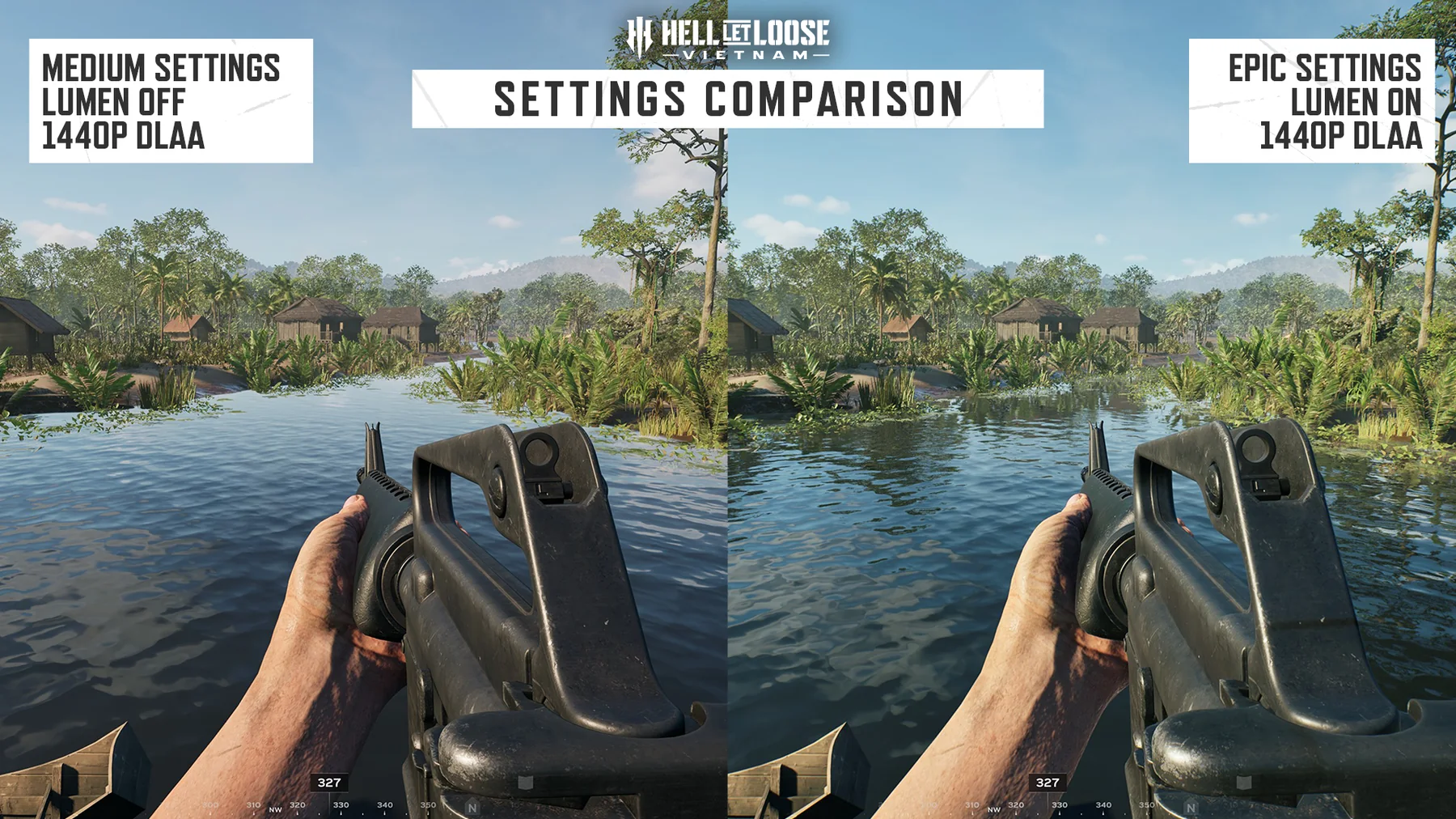
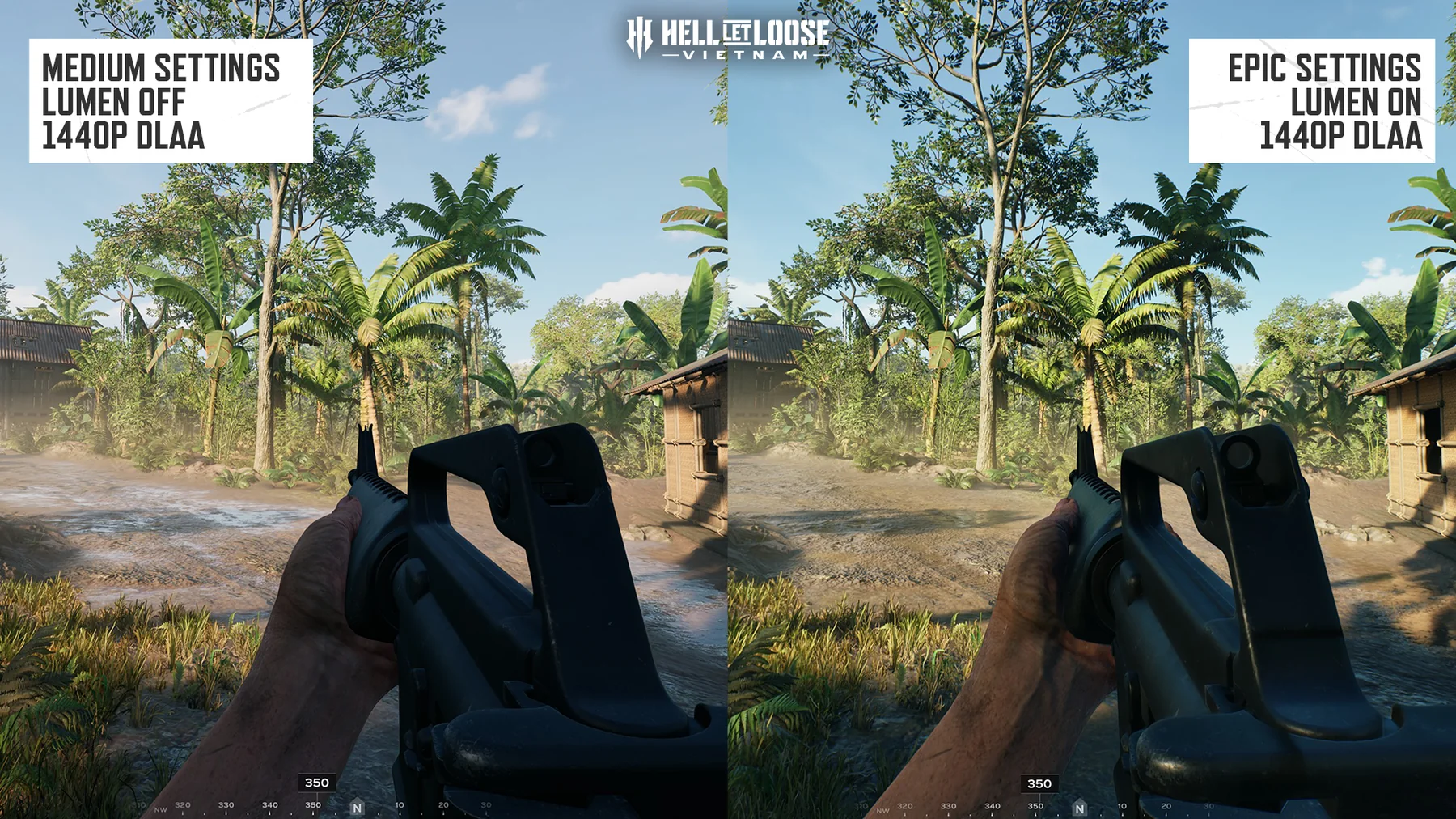
Capture the state before changing it
These official menu images identify the kind of state worth recording. They are not proof that a graphics option caused a startup crash.
IMPORTANT LIMITS
Before changing more
- Do not delete configuration folders, edit the registry or reinstall Windows before preserving evidence and trying reversible checks.
- Do not combine -dx11 and -dx12 or keep old temporary launch parameters without retesting the current patch.
- A generic startup crash is not automatically the acknowledged AMD GPU issue; route it by hardware and failure checkpoint.
- Patch 1.2 being installed is not evidence that every machine-specific crash has been fixed.
DEVELOPER CONTEXT
Why one crash can have different bottlenecks
This official performance briefing explains engine, CPU, GPU and server work. It provides diagnostic background, not a universal startup-crash fix.
QUICK ANSWERS
Hell Let Loose Vietnam crashing on startup questions
Is the hell let loose vietnam crashing on startup issue fixed?
Patch 1.2 live · diagnose the exact crash. Patch 1.2 is the current official update and contains more than 500 fixes, but its release does not prove that every individual startup crash has one cause or is resolved. Steam's official startup guidance recommends updating the system and drivers, verifying game files and disabling nonessential software. The publisher's AMD workaround is a separate, temporary path for affected AMD systems.
What should I do about hell let loose vietnam crashing on startup?
Install Patch 1.2 or the newest available game update, restart Windows, then launch once without changing several settings at the same time. Record where startup stops, the complete error text, GPU model, driver version and whether the game reaches the menu. This separates an instant exit from an in-match AMD crash. In Steam, open Library, select the game, open Properties → Installed Files and run Verify integrity of game files.
What should I avoid while troubleshooting hell let loose vietnam crashing on startup?
Do not delete configuration folders, edit the registry or reinstall Windows before preserving evidence and trying reversible checks. Do not combine -dx11 and -dx12 or keep old temporary launch parameters without retesting the current patch. A generic startup crash is not automatically the acknowledged AMD GPU issue; route it by hardware and failure checkpoint. Patch 1.2 being installed is not evidence that every machine-specific crash has been fixed.
Official sources
Official current patch notesHell Let Loose: Vietnam Patch 1.2Official Steam announcementImportant Launch InfoOfficial Steam startup checklistSteam Support · Games do not run after preparing to launchOfficial Steam file verification stepsSteam Support · Verify integrity of game filesOfficial AMD overlay documentationAMD Software in-game overlay settingsOfficial publisher supportTeam17 Help Centre